MegaMind Learn

Sign in with your SAX Microsoft account to access training resources.

SAXTech Multi-Modal LLM
Anthropic Claude Opus 5 · Sonnet 5
OpenAI GPT 5.6 Terra · GPT 5.6 Luna · GPT 5.5

AI that works the way
you think.

Learn how MegaMind's eight specialized AI agents can transform the way SAX handles research, compliance, accounting, and operations.

Watch tutorials See what's new ↓
SAGE
MegaMind SAGE
SAX Process · Procedures · Policy
CPA
MegaMind CPA
Tax & Advisory · US Tax Corpus
AUDIT
MegaMind AUDITOR
Assurance · Audit & Attest · PCAOB · AU-C · GASB · Yellow Book · Single Audit
TRAIN
MegaMind TRAINER
Learning & Development Corpus
TECH
MegaMind TECH
IT Support · IT Ticketing · IT Knowledge
M&A
MegaMind DILIGENCE
M&A Due Diligence · Deal Analytics · Transaction Docs
Restricted
New 4/3/2026
WLTH
MegaMind WEALTH
Fiduciary & ERISA · SEC/FINRA · Retirement Planning · SAX Wealth SOPs
CAS
MegaMind CAS
QuickBooks Online · DoubleHQ · Bookkeeping · Payroll · Financial Reporting
Restricted
New 5/29/2026

What's new in MegaMind.

The platform evolves constantly. Here’s what the SAX Technology team has shipped recently.

Each agent is a specialist.

Built on authoritative corpora and tuned for SAX workflows — not a generic chatbot.

SAGE

SAGE

Employee directory, SOPs, policies & internal knowledge

General Operations · 10.7K+ docs

CPA

CPA

Tax research · IRC · IRS guidance · 1.1M+ documents

Tax & Advisory
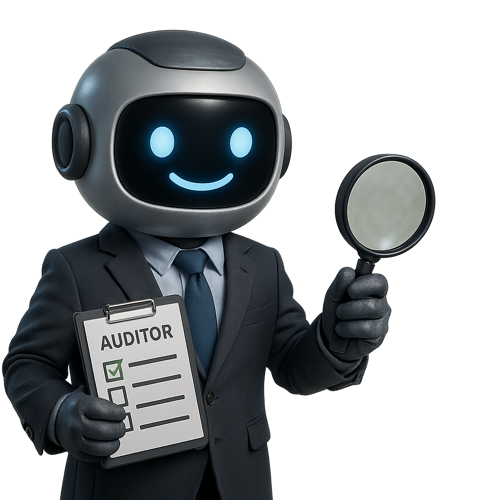
Auditor

Auditor

PCAOB · AU-C · GASB · Yellow Book · 121K+ documents

Assurance & Audit

TECH

TECH

SAXTech IT Support · infrastructure · Azure · ConnectWise

SAXTech IT Support · 10K+ docs

Trainer

Trainer

Onboarding · CPE · learning paths · 41K+ training materials

Learning & Development

Diligence

Diligence

M&A due diligence · deal analytics · transaction documentation

M&A Intelligence · 🔒 Restricted

Wealth

Wealth

ERISA · SEC/FINRA · Retirement planning · SAX Wealth SOPs · 250K+ documents

SAX Wealth Advisors
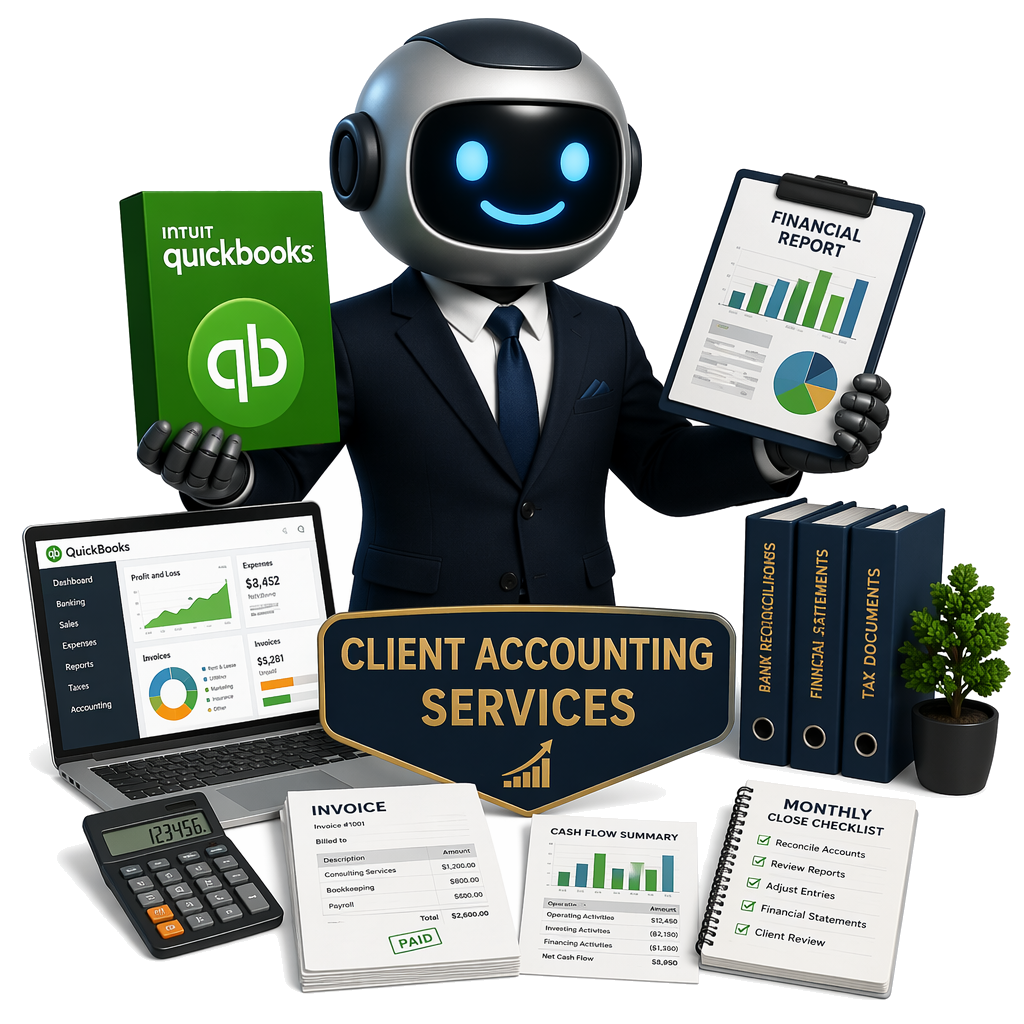
CAS

CAS

QuickBooks Online · DoubleHQ · bookkeeping · payroll · financial reporting

Client Accounting Services · 🔒 Restricted

Eight specialized agents.
Infinite possibilities.

Each MegaMind agent is trained on an authoritative corpus and optimized for your firm's specific workflows.

MegaMind by the numbers.

Live stats showing how SAX staff are using MegaMind this month — conversations, tokens, and agent adoption across the firm.

Chats This Month
total conversations · this month
↑ loading...
Tokens Consumed
input + output · this month
↑ loading...
Avg Tokens / Day
daily average · this month
· loading...
Avg Tokens / Month
3-month rolling average
· Jan–Mar 2026
Most Used Agents · this month
1
SAGE — General Operations
72%
2
CPA — Tax & Advisory
54%
3
TECH — SAXTech IT Support
38%
4
Auditor — Assurance
29%
5
Trainer — L&D
18%
6
Diligence — M&A
5%
7
Wealth — Wealth Advisory
3%

What is a token?

A token is the basic unit of text that AI models read and write. Words get split into tokens — roughly ¾ of a word each on average. A short email is about 200 tokens. A single page of a tax return is about 750 tokens.

Every message you send (input tokens) and everything MegaMind writes back (output tokens) counts toward your monthly usage. Longer conversations and document uploads consume more tokens.

~750 tokens · 1 page of text
~3,000 tokens · typical chat session
~8,000 tokens · full 1040 upload + analysis
1M input · context window per session
32K output · max response per turn
All Multi-Modal LLMs — Combined Input vs Output Tokens
Claude Opus 5 Claude Sonnet 5 GPT 5.6 Terra GPT 5.6 Luna GPT 5.5
Daily Conversations by Agent
Real data from Azure Monitor · updates every page load

New in 8.0 — and how to use it.

A memory that knows you, skills, routines, a new document engine, and live collaboration — running on the newest AI models, including Claude Sonnet 5.

🧭

Just ask — MegaMind routes for you

No need to pick the right specialist. Every message is read and routed to the best expert automatically, mid-conversation included — and when a question spans domains, MegaMind convenes a panel of up to four specialists for one synthesized answer. First sign-in launches an interactive tour; replay it anytime with Show Me How.

🧠

Memory — your second brain

With your OK, MegaMind studies your last six months of email, calendar, Teams, and documents to build a working profile it brings into every conversation. It keeps learning across chats and days — open Memory in the sidebar to see everything it knows, and chat with it to teach or correct it.

Skills — reusable instructions

SAX-wide skills, department skills, and your personal skills. Describe what you want in a sentence and the wizard drafts the whole skill; pin one beside your chat to keep it active for the session — perfect for formats you use over and over.

Routines — work that runs itself

Wake up to a daily briefing of overnight email, today's calendar, and drafted replies. Put weekly reports, document refreshes, or reminders on a schedule — describe it once, pick the cadence, trigger on demand, and review what ran.

📄

Documents & files, generation 2.0

Polished Word, Excel, PowerPoint, and PDF with real design — watch a preview while it builds. Hand MegaMind an existing document to refine in place instead of regenerating. Attach up to 20 documents or 30MB per message; everything you generate lives on the Artifacts page.

🤝

Sharing & live collaboration

Three ways to share a conversation: a read-only copy, a full hand-off with context intact, or live collaboration with up to five people watching answers stream together. Sharing is gatekept US-to-US and India-to-India for §7216 compliance, and you stay in control.

📱

Teams today, iPhone soon

Run MegaMind inside Microsoft Teams with the same specialists and automatic routing — ready now. A native iOS app with fast voice conversations arrives in the coming weeks.

💡

Getting great answers

Say what you're really after (“a 2-paragraph client email about the K-1 delay, apologetic but confident”). Watch for the prompt assistant's sharper phrasing under the composer, attach the real files, and use 👍/👎 — a thumbs-down reports the issue and immediately tries again.

🆘

Help is built in

Ask MegaMind about MegaMind in the built-in help area, replay any part of the tour with Show Me How, or hit the report button to capture a screenshot with your note — bugs and feature requests alike.

Learn by watching.

Short, focused videos showing exactly how to get the most out of MegaMind — from first login to advanced prompting techniques.

Get better answers,
every time.

Small changes in how you prompt MegaMind lead to dramatically better results.

01

Be specific about your role and context

Instead of "what's the rule on passive losses," try "I'm a CPA reviewing a Schedule E for a real estate professional client — summarize IRC §469 material participation tests." The agent tailors depth and format to your framing.

02

Upload documents first, then ask questions

Attach the relevant PDF (return, workpaper, engagement letter) using the paperclip icon before prompting. The agent reads the document and grounds its response in your actual client data — not hypotheticals.

03

Ask for structured output formats

End your prompt with "Format this as a client memo" or "Give me a bullet summary with citations." MegaMind will follow formatting instructions precisely, saving you reformatting time in Word or Excel.

04

Build on prior answers in the same chat

Don't start a new chat for follow-up questions. Type "Now apply that to a C-corp with a §382 NOL limitation" and MegaMind will maintain full context. Each chat session remembers everything said in it.

05

Use the Search tab to find past research

Every conversation is stored and searchable. Before starting fresh, search for keywords from a prior engagement — you may have already done this research for a different client last quarter.

06

Always verify before using in client work

MegaMind is a research accelerator, not an authority. Every response includes a disclaimer — use AI output as a starting point and verify against primary sources before filing or publishing.

Built for SAX.

MegaMind is available to all SAX staff. Sign in with your SAX Microsoft account from any device.

8
Specialized Agents
1M+
Tax Documents
120K+
Audit Documents
250K+
Wealth Documents
400+
SAX Staff Supported

Powered by SAX Technology Advisors